






Private betaTwo ways in

From idea to reviewable
boards, shot by shot.

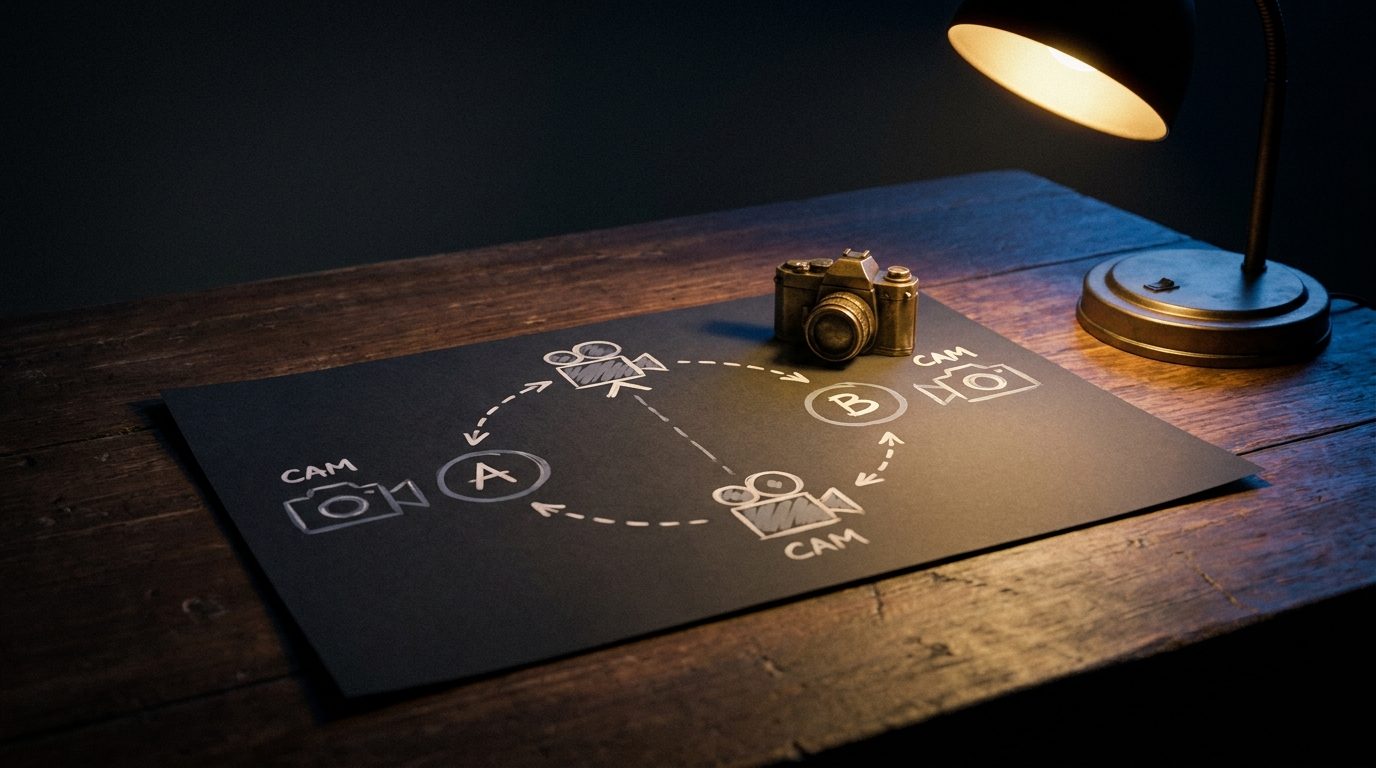
One workspace, two front doors. Start with an idea and a format, or start with a locked script — StoryBoard turns either into cast-grounded boards you review shot by shot.

Two front doors. Bring an idea or a script. Either becomes cast-grounded boards you review, shot by shot.

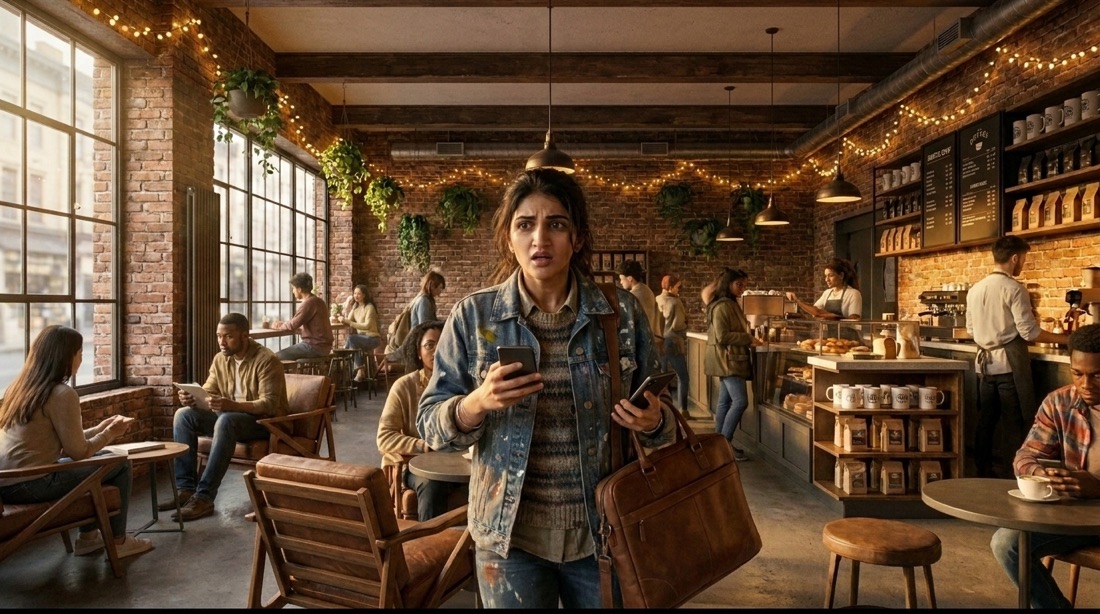
The same cast — up to 20 named characters — in every shotEvery important frame stays reviewable
INT. THE TRANSFORMATION — CONTINUOUS.

From script friction to reviewable boards.

As you scroll, the screenplay moves through StoryBoard: scenes are parsed, characters stay attached, and storyboard frames resolve shot by shot.

INT. THE TRANSFORMATION — CONTINUOUS.

From script friction to reviewable boards.

The screenplay moves through StoryBoard: scenes are parsed, characters stay attached, and storyboard frames resolve shot by shot.

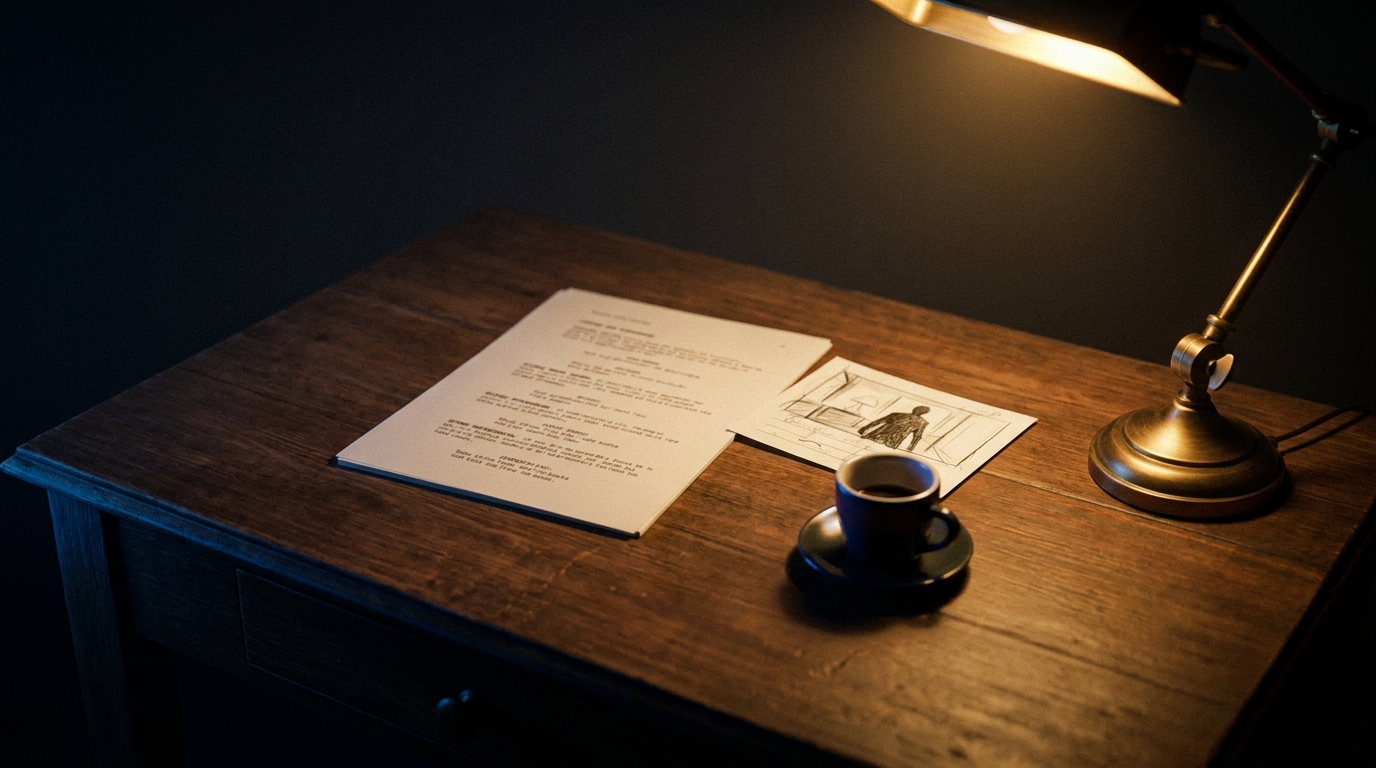
  1. The script

    INT. COFFEE SHOP — DAYNisha reaches for the wrong cup.Ethan looks up. The room softens.SHOT 04B — OTS — Ethan watches.
  2. StoryBoard reads it

    Scenes get a scene map. Every shot gets a breakdown. Cast and continuity stay attached to the workflow — nothing floats.

  3. Boards resolve, shot by shot

INT. THE PROBLEM — DAY.

Storyboards aren't just images. They are continuity decisions.

A director does not need a pretty frame. They need the room to stay the room, the character to stay themselves, and the sequence to make sense.

The continuity brief, every pre-production, everywhere.

  1. SH 01

    Script intent gets lost

    Generic image tools don't understand scene structure, shot intent, or what was already established earlier in the script.

  2. SH 02

    Characters drift

    Faces, wardrobe and presence shift across shots unless cast references stay attached to the workflow.

  3. SH 03

    Continuity is hard to audit

    Scenes, references, shots and boards scatter across tools. Gaps and mismatches surface late in review.

INT. TWO DOORS — DAY.

One workspace, two front doors.

Simple is for the writer with an idea. Studio is for the director with a script. Same engine underneath.

For creators · writers · marketers

Simple

An idea. A format. A reviewable reel.

Paste an idea, pick 16:9 / 9:16 / Reel, and StoryBoard auto-parses scenes, auto-designs cast references, and streams boards — in one screen.

  • Character consistency ON by default
  • One-screen composer, no pipeline to learn
  • Presentation deck export in one click
Start with an idea
For directors · DPs · previs · ad-film

Studio

A script. Seven stages. Every gate a director decision.

Upload a screenplay and walk the full pipeline: scenes → shots → cast → environments → generate → review. Editable per-shot camera and framing.

  • Full per-shot control at every stage
  • Environments, cast, versions all editable
  • Board review diagnostics + Discord alerts
Upload a script
INT. THE SIMPLE FLOW — DAY.

Three moves. A reel in fifteen minutes.

For creators, writers and marketers who have an idea, not a script. Same cast consistency and review controls as Studio — with the pipeline collapsed into one screen.

SH 00A · IDEA

Idea

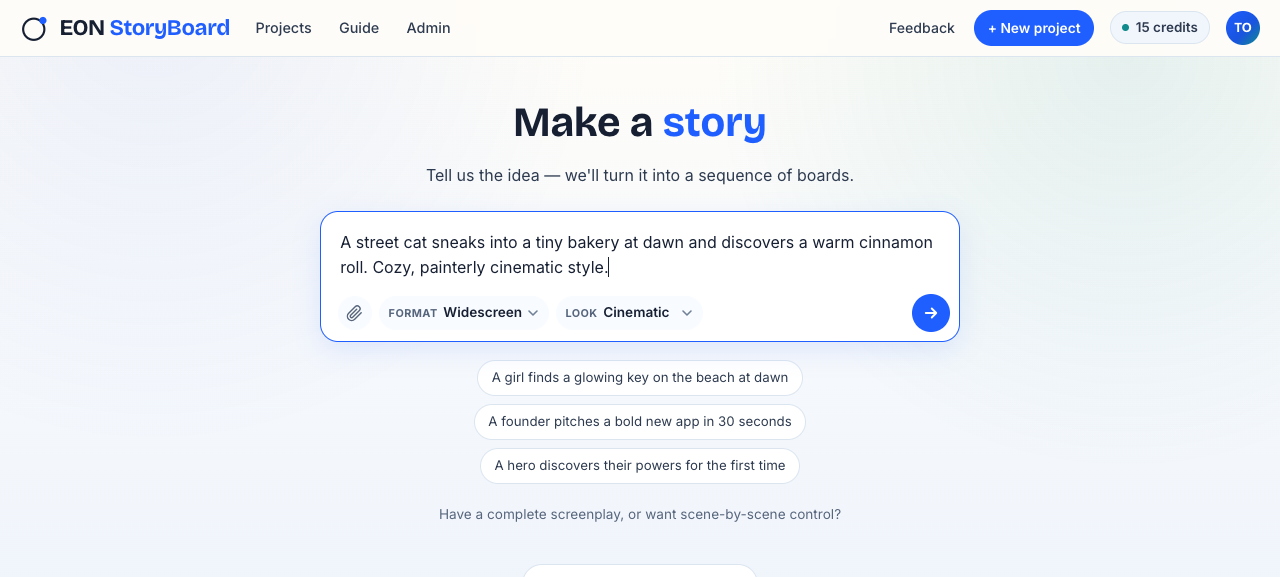
Simple mode composer — idea input and format picker

Paste one paragraph. Pick 16:9, 9:16 or Reel. Cinematic default; other styles opt-in.

SH 00B · PARSE

Parse

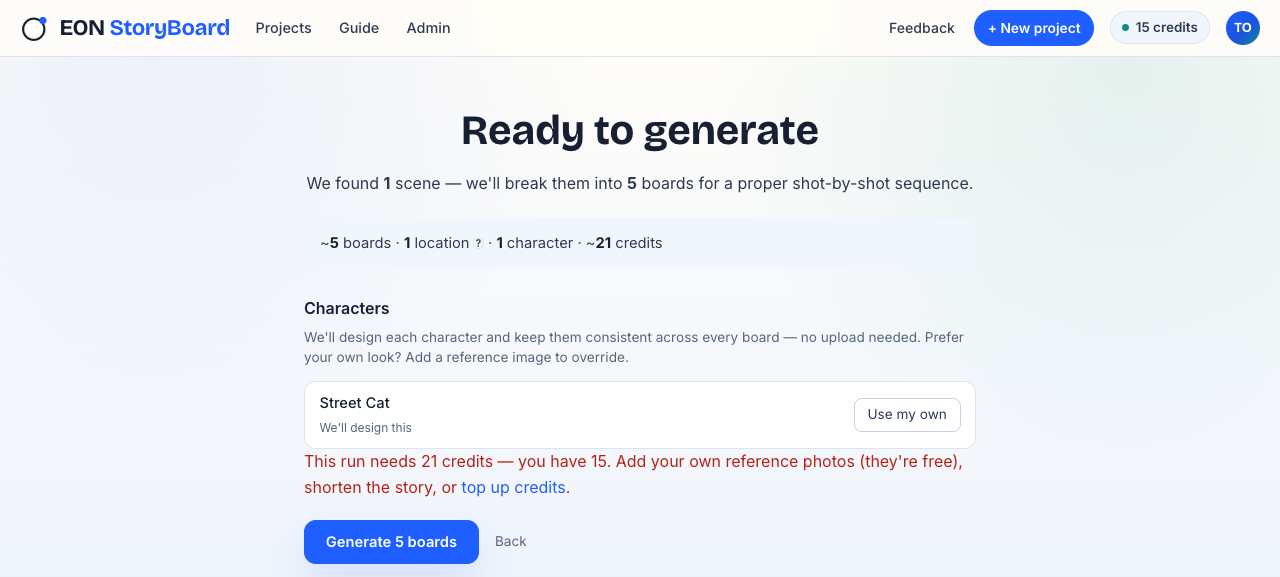
StoryBoard splits the idea into scenes, detects the cast, and auto-designs a reference for every character.

SH 00C · BOARDS

Boards

Simple mode 'Ready to generate' preview — scene count, cast auto-design, credits estimate

Boards stream in shot by shot. Skip, retry, or scribble on any one. Presentation Deck export in a click.

INT. THE STUDIO WORKFLOW — CONTINUOUS.

A script-to-board flow built around director review.

For directors with a locked script. Seven stages, one director, approval at every gate before boards render.

Step 01

Upload script

Paste or drop a screenplay. Get an editable scene map in seconds.

Step 02

Choose scenes

Pick the scenes you want to visualize first. Focus now and defer the rest.

Step 03

Analyze shots

Generate breakdowns with framing, action, characters, and camera intent.

Step 04

Cast

Attach a reference for every character in frame. Faces stay themselves shot to shot.

Step 05

Environments

Attach location references so every shot in a scene sits in the same room, street, or space.

Step 06

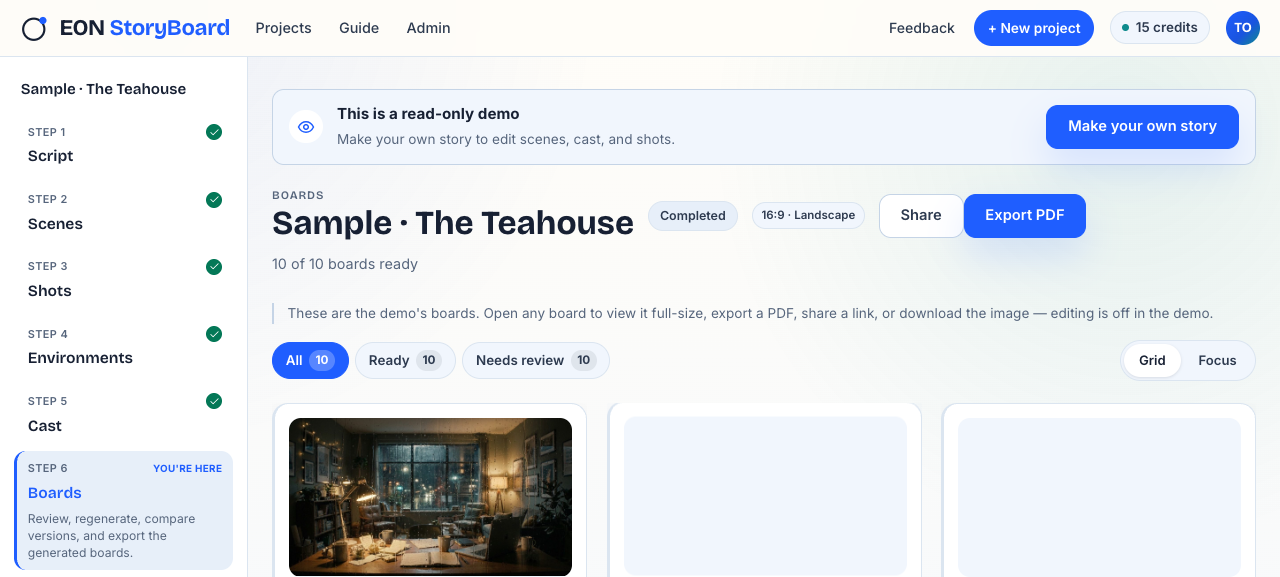
Generate boards

Boards land shot by shot. Stop, retry, or approve them as they arrive.

Step 07

Review continuity

See coverage gaps, cast issues, missing boards. Export when you're ready.

The workspace

One desk from script to review board.

Script viewer, scene explorer, shot panel, cast shelf, live boards and coverage review share the same project context, so the reason behind each board remains visible.

eonverse.in/storyboard/wrong-coffee · scene 04

INT · Coffee Shop — Day

06 SHOTS · 05 READY · 01 GENERATING
SH 04AAPPROVED
SH 04BREVIEW
SH 04CAPPROVED
SH 04DRec
SH 04EREVIEW
SH 04FAPPROVED
EXT. THE STAGE — CONTINUOUS.

Built for the workflow AI usually skips.

Every reference, gap, and retry stays visible. Directors judge every frame that matters, and nothing renders past a decision they haven't made.

  1. Character- and location-aware generation

    Cast references and environment references are part of the workflow before boards are generated. Faces stay themselves; the same room stays the same room.

  2. Scene and shot context

    Boards are generated from selected scene context and approved shot breakdowns — not from a single floating prompt.

  3. Live generation controls

    Watch generation as it happens, stop mid-run, retry failed shots, and inspect every output before it joins the board.

  4. Board review diagnostics

    Approve a board or say what's off — character, location, camera, or other. Retry with the diagnostic, scribble the fix, or escalate a report. The team sees every note in Discord.

  5. Every take, every version

    Each shot, character, and environment is versioned. Compare takes side by side and revert to any earlier version at any time.

  6. Presentation Deck (and everything else)

    One click for a client-ready Presentation Deck. Also exports as annotated PDF, shot list, scene packet, or review deck for team notes.

EXT. RIVERSIDE — DAY.

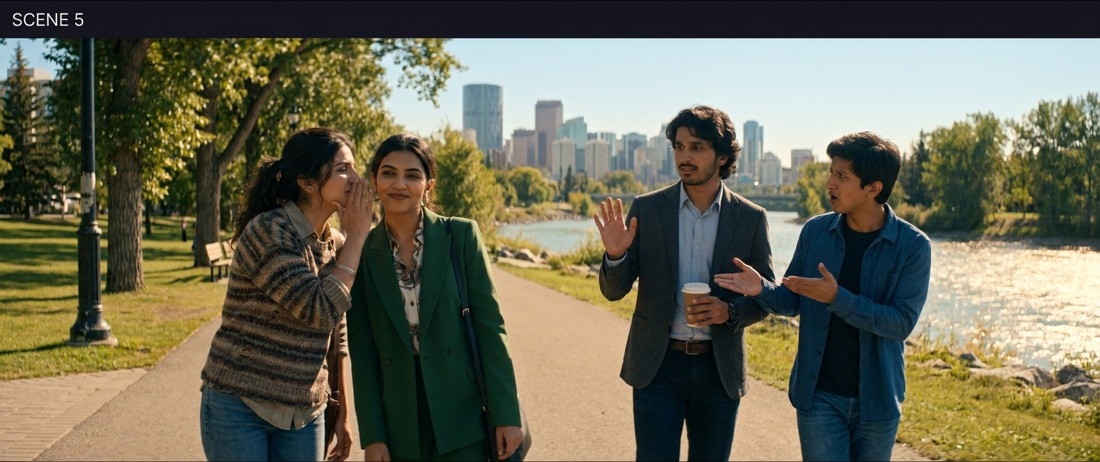
One frame becomes a whole story.

Twelve boards, four environments — same cast in every frame. Continuity you can point at.

Riverside — Nisha and Ethan at the railing, city skyline behind.
SC 05 · HERORiverside — the moment they both feel it.
EXT. THE CIRCULATION — DAY.

Share the reel, before the meeting.

Producers, DPs, actors, and clients don't need an account to watch your reel. One link. Read-only. Signed off in a browser.

INT. THE FIRST PASS — DAY.

Use the first pass where it creates real leverage.

One tool, seven kinds of work. Where the first pass turns preparation into leverage.

SH 10

Short films

Explore visual tone, coverage, and shot rhythm before the shoot.

SH 11

Ad films

Turn briefs into client-reviewable boards faster, without overcommitting.

SH 12

Pitch decks

Visual proof for producers, investors, and collaborators when it matters.

SH 13

Previs

Test scene coverage, blocking, and camera intent before the production meeting.

SH 14

DP alignment

Share a visual starting point with cinematographers and gaffers.

SH 15

Marketing content

Turn a campaign idea into a reel-format storyboard in one screen. Simple mode; no script required.

SH 16

Writer pitch decks

.fountain in; Presentation Deck out. Show producers a full-scene visual pitch, not a logline.

Private beta

Test StoryBoard on a sequence that matters.

Private-beta access opens in small batches while we improve generation quality, cast grounding, and director review with real projects.

  • Run your own screenplay through the full workflow — scenes, shots, cast references, and live boards.
  • Direct line to the team — your feedback shapes the workflow.
  • Early access to every new pipeline stage as it ships — Environments, Board Review, Share links.
Reviewed within 5 working days · Private beta